
Case study · Construction
How 2MO Studio runs leads, estimates, and projects in monday.com
2MO Studio, a design and construction company, moved its sales and projects from email and personal spreadsheets into monday.com. We built a CRM, an estimate workflow connected to QuickBooks, and automatic project setup, connected with Make.



At a glance
2MO Studio at a glance

| Project | Details |
|---|---|
| Client | 2MO Studio |
| Industry | Design and construction |
| Services | monday.com implementation, monday CRM, Make integrations |
| Tools | monday.com, Make, QuickBooks Online, Google Drive |
| Build time | 2 months |
The challenge
Sales and projects spread across email and spreadsheets
Before the build, 2MO Studio ran its sales and projects over email. Each person kept their own spreadsheet, so information about leads, estimates, and jobs was spread out and hard to find.
The team needed one system that covered the whole path: from a new lead, through the estimate and its approval, to setting up the project once the customer said yes.
What we built
A CRM, an estimate workflow, and automatic project setup
We built the system in monday.com and connected it to QuickBooks Online and Google Drive with Make.
1. Lead form
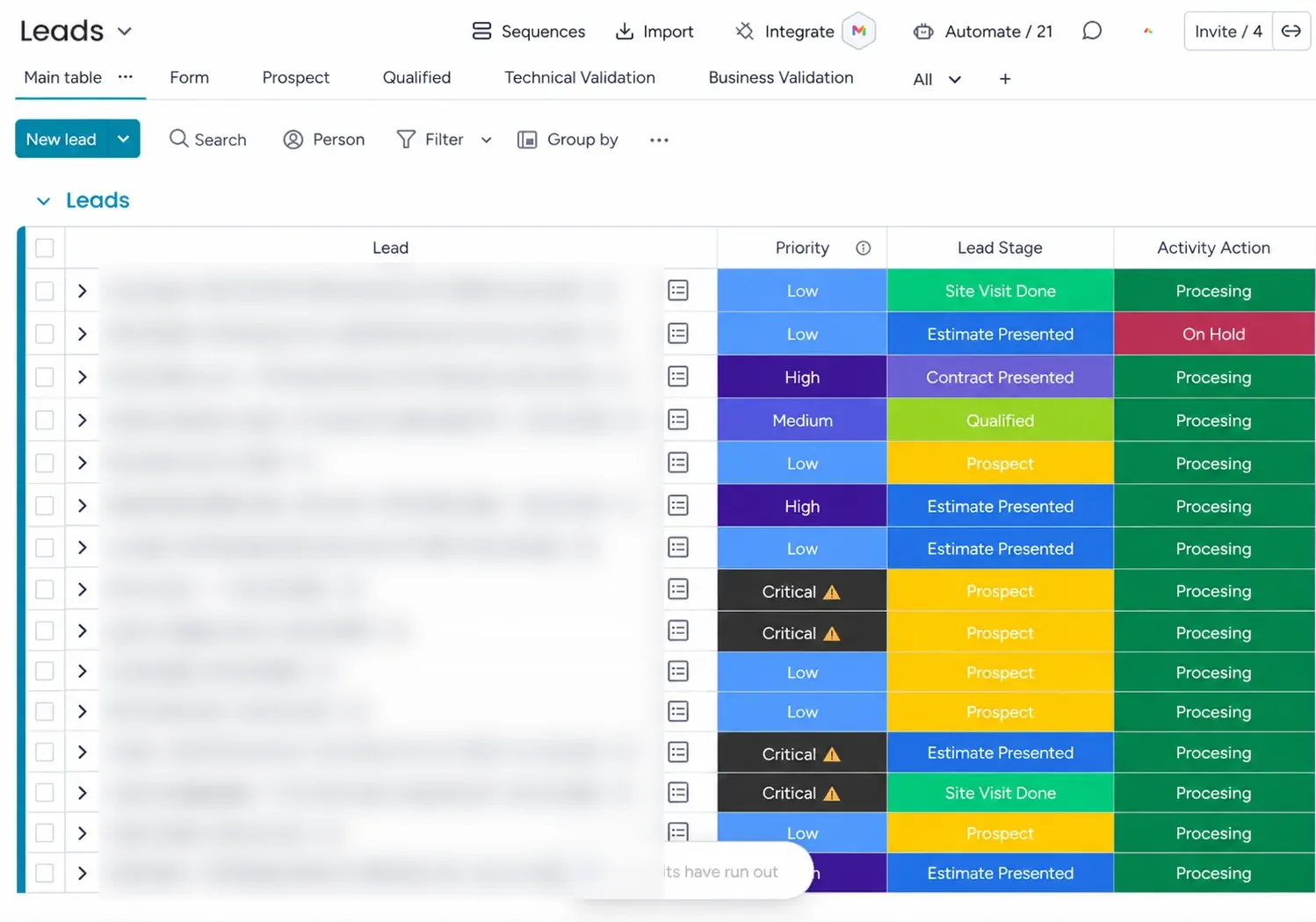
New leads come in through a monday.com form on the Leads board, with the services needed, email, phone, and other details on the item.
2. Task checklist
Each new lead creates a set of 10 to 15 task subitems, so every lead gets the same follow-up.
3. Connected CRM boards
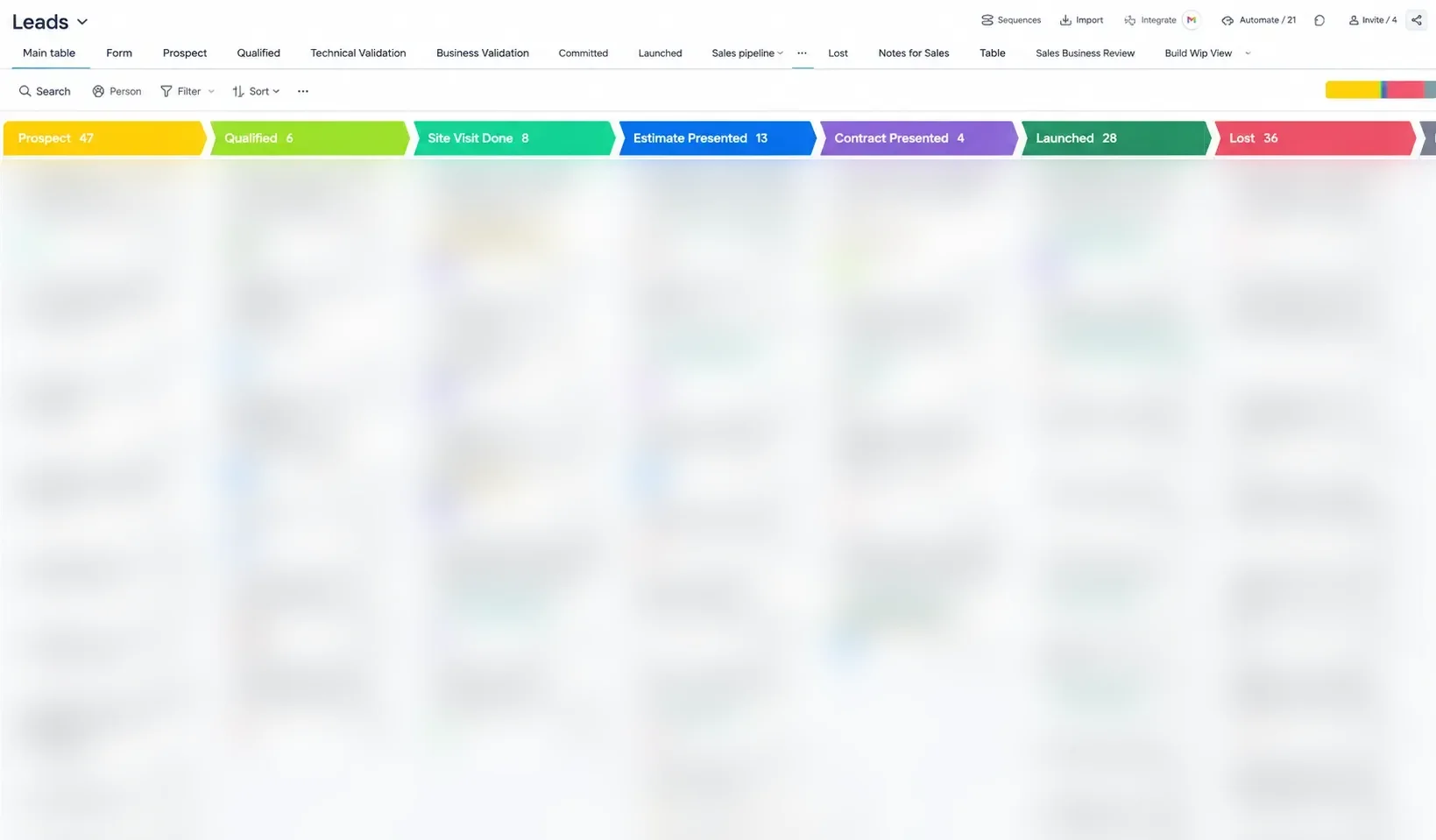
Leads, Contacts, and Internal sales activities boards are linked, so each client’s history stays together.
4. Post-meeting email
After the meeting, an automated thank-you email goes out with the 2MO Studio brochure attached.
5. Estimation board
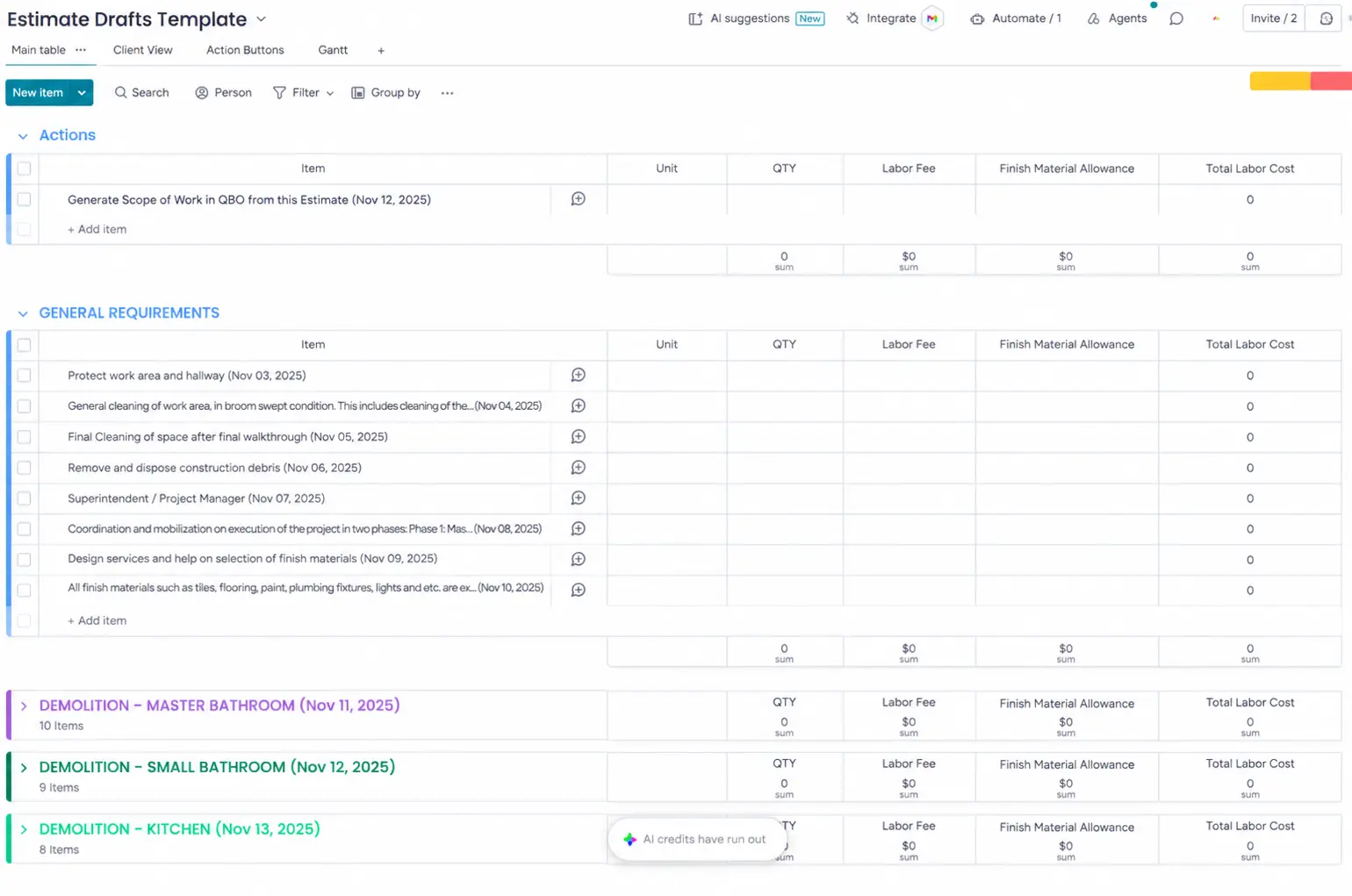
When a lead moves ahead, the Generate estimate task creates an estimation board with every service and its line items. The team fills in quantities and prices.
6. Estimate in QuickBooks
Clicking Generate estimate creates the estimate in QuickBooks Online through Make.
7. Internal approval
The head of construction reviews each estimate. A rejected estimate comes back to the lead with his comments. An approved estimate goes to the CEO, who sends it to the customer from QuickBooks.
8. Customer acceptance
Make watches QuickBooks. When the customer accepts the estimate or pays, the status updates in monday.com.
9. Project setup
An accepted estimate adds the project to the portfolio management board with its designer, accountant, and scheduler, and creates a Google Drive folder, a project board, and six financial boards. A dashboard shows every project, its timeline, who is responsible, and who the designer is.
Inside the build
Inside the build
Screenshots from the 2MO Studio build, shown with sample data.
Results
What changed for 2MO Studio
10–15
tasks created automatically for every new lead
6
financial boards set up for every project
2 months
from start to a working system
- Sales and projects run in one system instead of email threads and personal spreadsheets.
- Tasks and estimates are created automatically. The team reviews and sends.
- Estimates are approved internally before they reach the customer, and rejected ones come back with comments.
- Every project starts with the same boards, Drive folder, and team assignments.
In their words
What 2MO Studio says
“I had the pleasure of working with Rehan to set up Monday.com for my company, and I couldn’t be more impressed with his work. Rehan demonstrated excellence in every aspect of the project. His response time was impeccable, always providing timely and thoughtful solutions to our needs. His collaborative approach ensured that all our team members were engaged and that the setup aligned perfectly with our workflow. Rehan’s commitment to delivering high-quality results was evident throughout, and his process-oriented mindset made the implementation smooth and efficient. I highly recommend Rehan for any organization looking to optimize their processes with Monday.com.”
Alireza, 2MO Studio
- Clear Communicator
- Collaborative
- Committed to Quality
- Detail Oriented
Services used
Services used in this project
monday.com for construction
How we set up monday.com for design and construction firms.
monday CRM consulting
Pipelines, lead capture, and revenue tracking set up around how your team sells.
Make.com partner
Make scenarios that connect monday.com with QuickBooks, Google Drive, and the rest of your stack.
monday.com implementation
Workspace design, boards, automations, and team rollout by a Certified Partner.
Want a system like 2MO Studio’s?
Book a free call. We’ll look at how your leads, estimates, and projects run today and show you what we would build in monday.com.